Resetting Display
- Atul
- Technology , Web , Free software , The big o community , Nvidia , Pop os
- January 10, 2026
Table of Contents
Resetting Display
10/01/2026 09:08 Nvidia
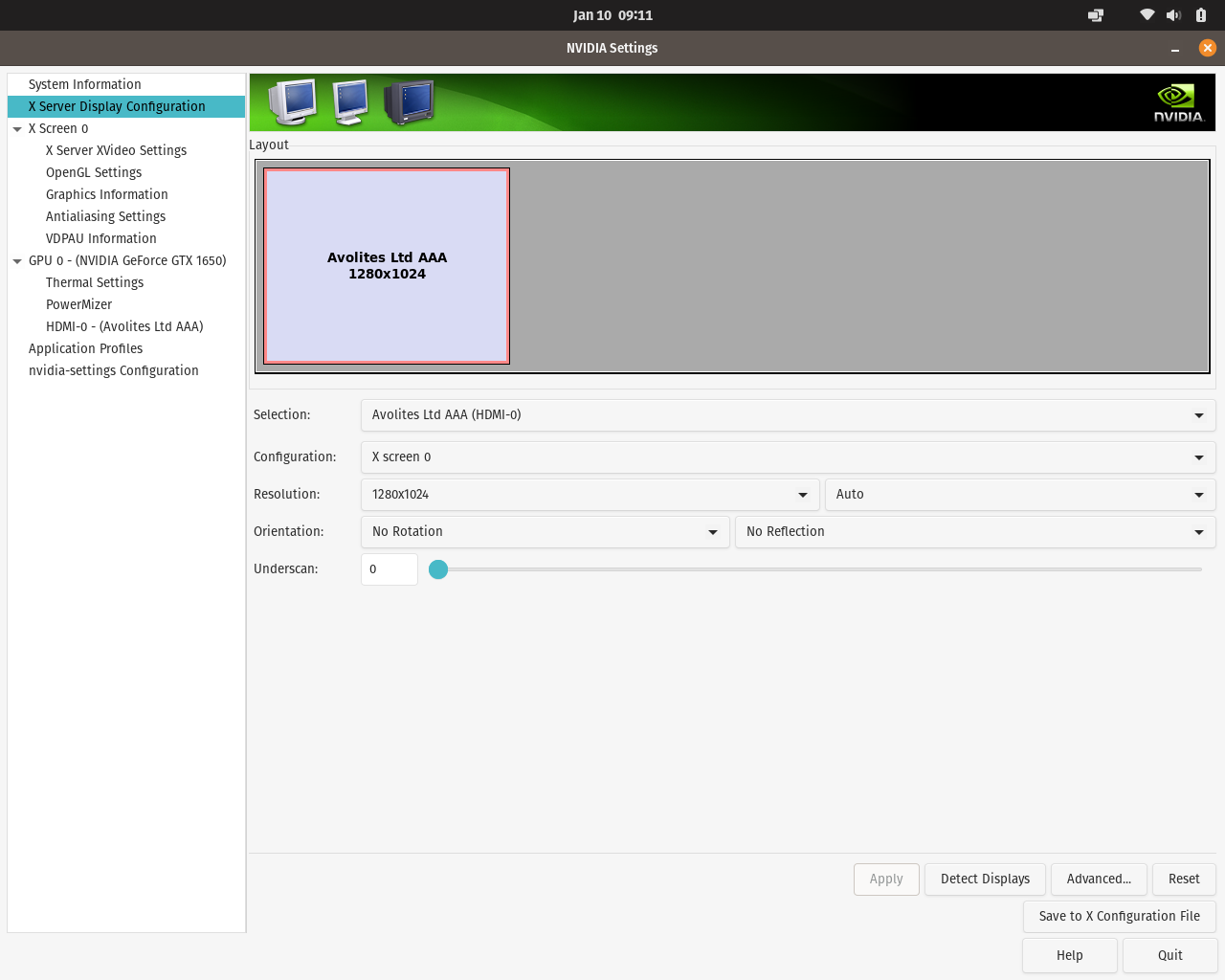
Removed Built-in screen from NVidia
I accidently removed the the built-in screen in nvidia settings
Now only HDMI port display is working
It sucks, as i was setting up the HDMI with TV to watch movie and it was flickering to i messed up the settings.
Now i need to fix it.
Let’s start with reinstalling the graphic drivers
What if i cannot access the screen at all after reinstalling?
I must setup the ssh too
But the router does not even have a static ip setup
I’ll make sure that wifi didn’t restart
sudo apt install openssh-server
working now
Reinstalling drivers
- sudo apt remove –purge ‘^nvidia-.*’
- After rebooting
- i am installing it back from PopShop
- Didn’t helped at all
- xrandr –listmonitors
- there is only HDMI display only
- Now i have removed the driver again and now the screen is showing nothing
- i changed to integrated graphics
- but it is not working
Nuclear option
- recreate Xorg config
sudo rm /etc/X11/xorg.conf
sudo reboot